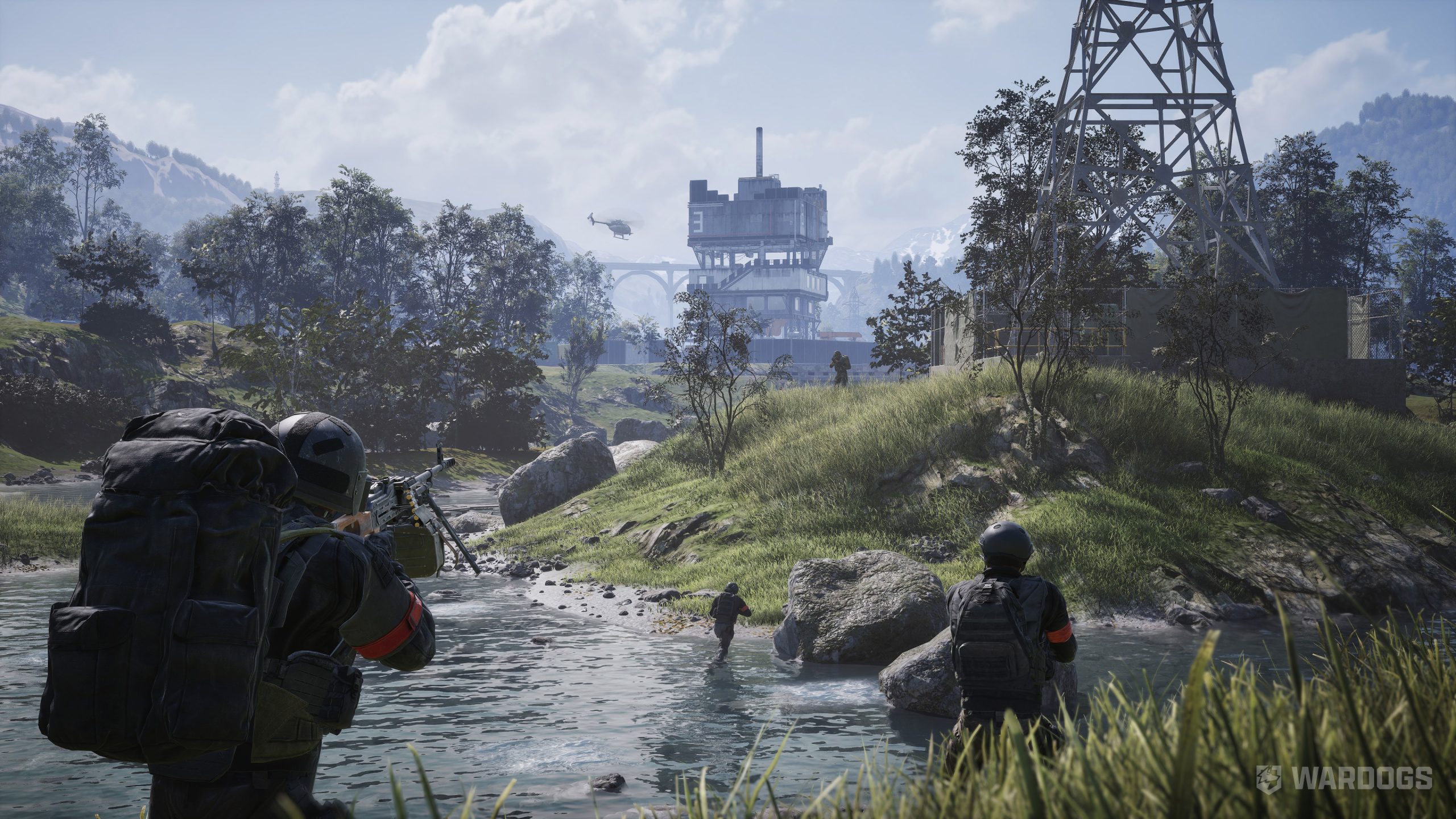
Movement & Stance Directives
| Action | Default Input | Tactical Notes |
| Move Forward / Back | W / S | Standard infantry locomotion. |
| Strafe Left / Right | A / D | Lateral movement. |
| Sprint | Left Shift | Drains stamina pool; cuts ADS transition speed. |
| Jump | Space | Vaults low barriers. |
| Crouch | C | Lowers silhouette and stabilizes weapon sway. |
| Prone | Ctrl | Maximum recoil stability; introduces recovery delay before sprinting. |
| Lean Left / Right | Q / E | Slices angles from behind hard cover. |
Weapon Handling & Engagement
| Action | Default Input | Tactical Notes |
| Primary Fire | Left Mouse Button | Discharges current weapon system. |
| Aim Down Sights (ADS) | Right Mouse Button | Sight alignment. Set to Hold in settings for faster snap-aim. |
| Focus / Steady Aim | Left Shift | Holds breath to stop optic reticle drift. |
| Reload | R | Standard magazine cycle. |
| Cycle Fire Mode | B | Toggles Semi-Auto, Burst, and Full Auto. |
| Cycle Sights | Z | Swaps between primary optic and backup/canted irons. |
| Zeroing (Increase / Decrease) | Page Up / Page Down | Adjusts bullet-drop elevation calibration. |
| Mount / Fold Bipod | G | Locks LMGs/DMRs to ledges or ground for minimal recoil. |
| Melee Bash | V | Close-quarters buttstock strike. |
| Holster Weapon | X | Increases movement sprint speed. |
Communications & Tactical Grid
| Action | Default Input | Tactical Notes |
| Squad Voice (PTT) | J | Encrypted radio network across your assigned squad. |
| Proximity Voice (PTT) | K | Local spatial audio (heard by nearby friendlies and enemies). |
| Tactical Ping / Ping Wheel | Middle Mouse Button | Tap to ping contact; hold to open radial objective wheel. |
| Tactical Map | M | Opens sector grid overview. |
| Inventory / Rig | Tab | Inspects ammo reserves, medical gear, and plate carrier. |
| Give Up / Bleed Out | F | Respawns when critically wounded without a combat medic nearby. |
Our Recommended Keybind Adjustments
- Rebind Voice Channels Off
JandKimmediately:- The defaults (
JandK) sit on the far side of the keyboard, making communication impossible during active firefights without abandoning movement. - Rebind Squad PTT to
Mouse 4and Proximity PTT toMouse 5(orLeft Alt/V).
- The defaults (
- Lean Handling:
- If you struggle to strafe while leaning with
QandE, invert them (bind Lean Left toEand Lean Right toQ). This lets your index finger strikeDwhile leaning right.
- If you struggle to strafe while leaning with
- Vehicle Conflict Warning:
- The beta client treated custom keybinds as globally exclusive across modes. If you rebind helicopter inputs (like Collective or Flares), verify that your infantry
Sprint(Left Shift) orProne(Ctrl) did not unbind in the process.
- The beta client treated custom keybinds as globally exclusive across modes. If you rebind helicopter inputs (like Collective or Flares), verify that your infantry