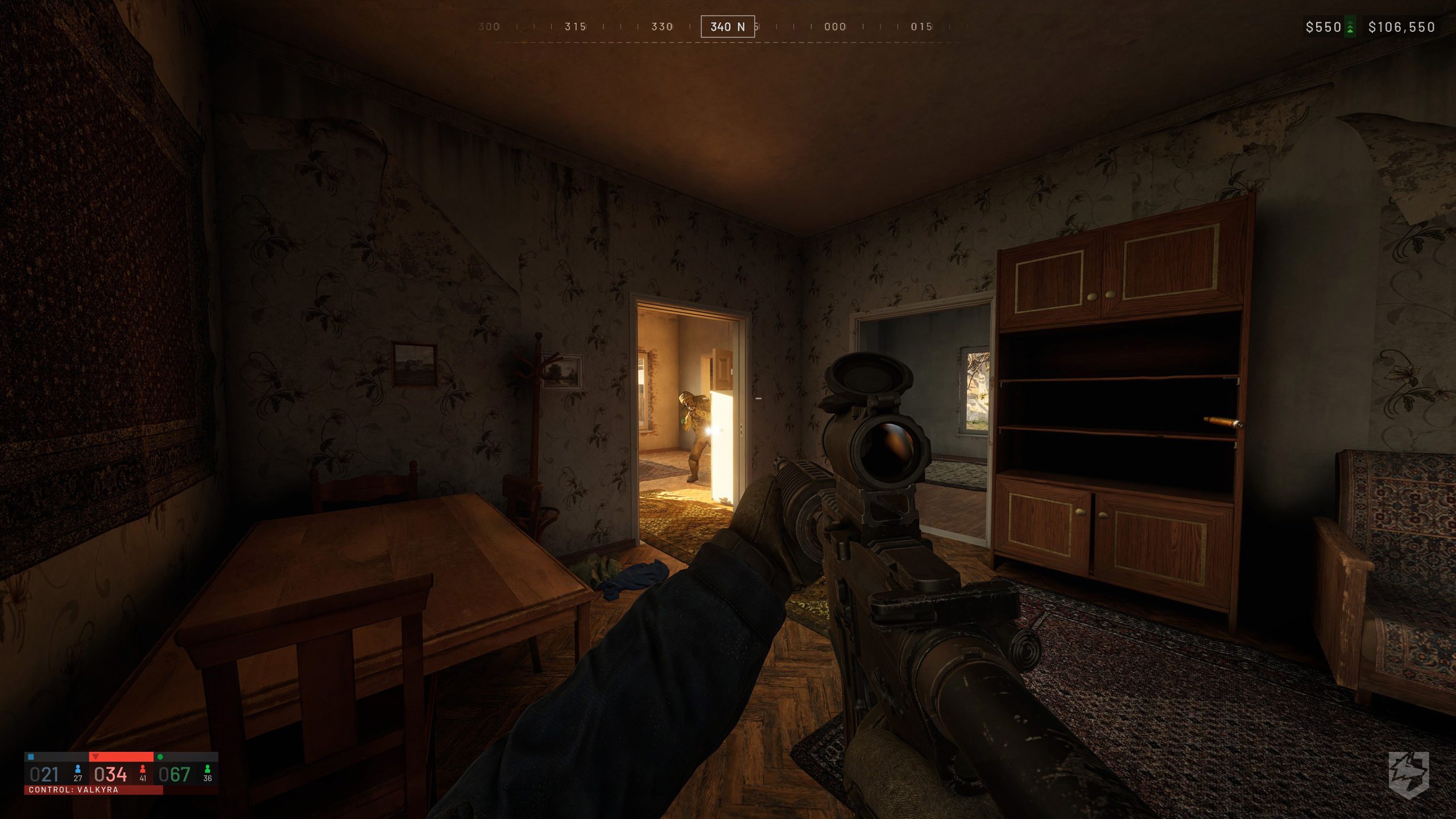
Engine Scalability & Legacy Hardware Viability
Despite being built on Unreal Engine 5, Wardogs remains surprisingly forgiving on system resources. The developers have integrated a dedicated “Potato Mode” profile aimed at low-end hardware, and players in early playtests have confirmed playable frame rates even on legacy GPUs like the Nvidia GeForce GTX 1070.
MINIMUM REQUIREMENTS:
- MINIMUM:
- Requires a 64-bit processor and operating system
- OS: Windows 10
- PROCESSOR: Intel® Core i5 8600, AMD Ryzen 5 3500
- MEMORY: 16 GB RAM
- GRAPHICS: Nvidia GTX 1660, Radeon RX 590
- NETWORK: Broadband Internet connection
- STORAGE: 50 GB available space
- ADDITIONAL NOTES: 1080p Low @ 60fps (Upscaled)
RECOMMENDED REQUIREMENTS:
- Requires a 64-bit processor and operating system
- OS: Windows 11
- PROCESSOR: Intel® Core i7 12700k, AMD Ryzen 7 5700x
- MEMORY: 16 GB RAM
- GRAPHICS: Nvidia RTX 3070, AMD Radeon RX 6700 XT
- NETWORK: Broadband Internet connection
- STORAGE: 50 GB available space
- ADDITIONAL NOTES: 1440p Medium @ 70fps+ (Native) or 4k Medium @ 60fps+ (Upscaled)
Competitive Optimization: Maximizing Framerates Without Sacrificing Visual Clarity
To hit a consistent high-refresh target without flattening the game into an early-2000s blur, prioritize the settings that drain the GPU while offering little tactical advantage:
- Upscaling (DLSS / FSR / TSR): Set to Quality. This single setting yields the largest framerate boost while preserving edge fidelity and distance spotting. Avoid Ultra Performance, which causes distracting edge shimmer across foliage.
- Shadows: Set to Low or Medium. Unreal Engine 5 dynamic shadows are notoriously expensive; dropping shadow resolution provides an immediate 15–20% performance lift with minimal visual disruption.
- Global Illumination & Reflections (Lumen): Set to Low / Off (or screen-space fallback). Disabling full software/hardware raytracing removes the heaviest render tax in the engine.
- View Distance / Foliage Density: Keep at High. Lowering this hurts competitive target acquisition at range and causes noticeable foliage pop-in.
- Textures & Anisotropic Filtering: Keep at High (provided your GPU has at least 6 GB of VRAM). High-resolution textures rely almost entirely on VRAM rather than compute cores, keeping weapon models and environments crisp without costing raw FPS.
- Post-Processing (Motion Blur, Depth of Field, Chromatic Aberration): Set to Off. These introduce artificial camera blur that degrades target tracking during rapid pivots.
You just need to find what is right for you. Let us know down below what works!